Short answer: the size table
| Content | Size (pixels) | Ratio | Note |
|---|---|---|---|
| Portrait post | 1080 × 1350 | 4:5 | The common size that takes the most room in the feed |
| Grid-friendly post | 1080 × 1440 | 3:4 | Shows uncropped on your profile |
| Square post | 1080 × 1080 | 1:1 | Cropped at the sides on the profile grid |
| Story and Reels | 1080 × 1920 | 9:16 | Keep text out of the top and bottom 250 px |
| Profile photo | 320 × 320 | 1:1 | Shown as a circle |
Feed posts: why 4:5?
In the feed, a portrait image takes more screen space than a square or landscape one. It stays in view longer as people scroll. That's why 1080 × 1350 (4:5) remains the most common choice for photo and design posts.
If the width drops below 1080 pixels, Instagram enlarges the image and it softens; above that, it shrinks it. Keeping the width at 1080 is the smoothest path. If your source is smaller than the target, the tool warns you: detail the source doesn't have can't be created afterwards.
The profile grid isn't square any more
In early 2025 Instagram switched the profile grid from square tiles to 3:4 portrait tiles. In May 2025 it also started accepting 3:4 photos without cropping. In practice this means:
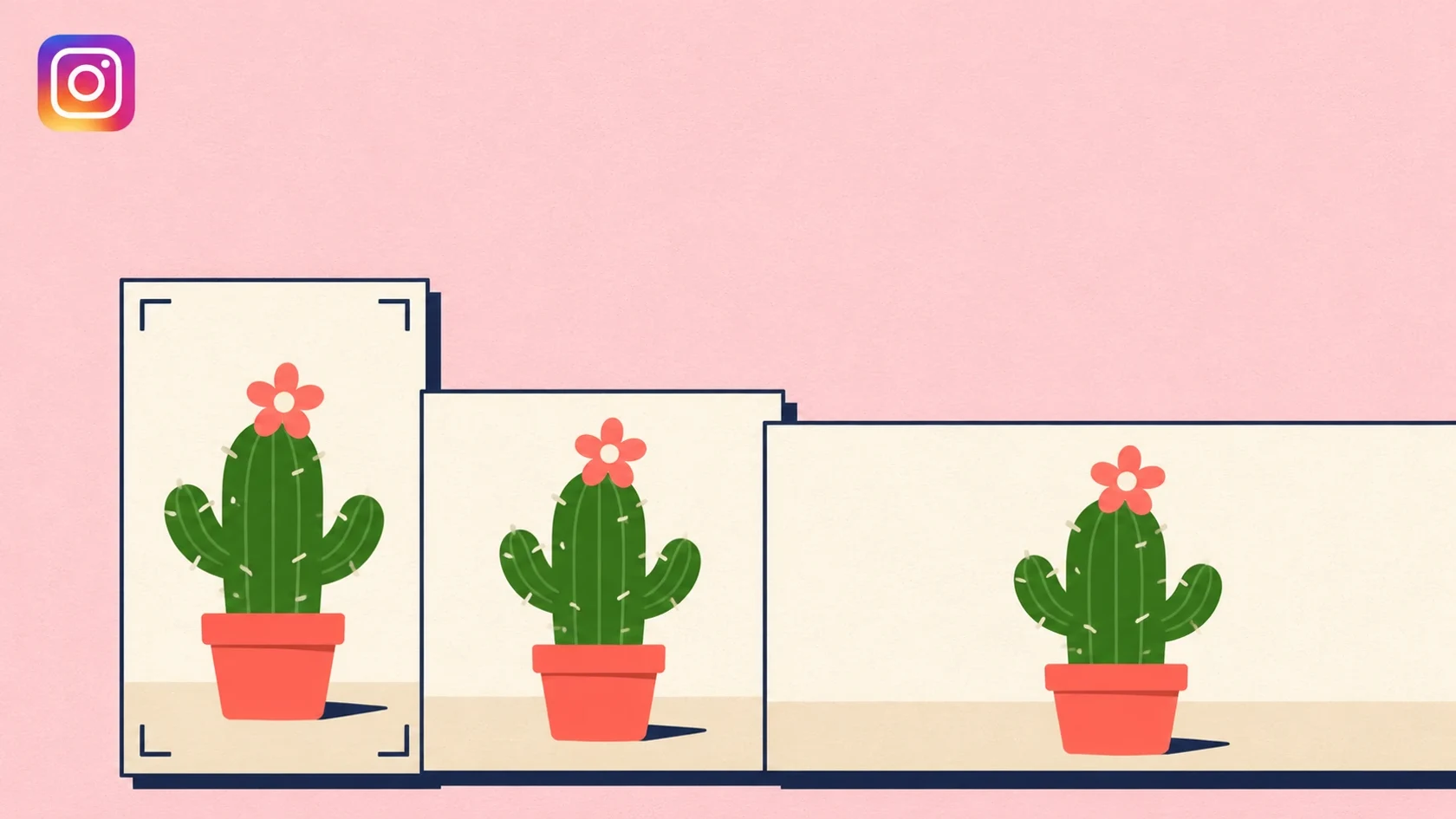
- A 4:5 post shows in full in the feed; on your profile, a thin strip is cropped from its left and right.
- A square post loses more at the sides on the profile. Text and logos near the edge can be cut off on the grid.
- A 3:4 post (1080 × 1440) looks the same in the feed and on the profile.
- A Reels cover shows as 3:4 on the profile; keep the cover's title near the middle.
If a tidy profile grid matters to you (a brand, a portfolio, a product catalogue), work in 3:4. If feed visibility matters more, stay with 4:5 and keep important elements away from the edges. Either way, keeping the main subject centred is the safest choice.
Carousels: the first slide decides
In a carousel, every slide is shown at the first slide's ratio. If the first slide is 4:5, any square or landscape image you add later is cropped to it. Design all slides at the same size from the start.
If you split one image across several slides so it joins up as people swipe, each piece must be exactly the same size, or the seams will shift.
Stories and Reels: where should text go?
Stories and Reels are full-screen portrait: 1080 × 1920 (9:16). But not all of the screen is yours. The profile name and progress bar sit on top of the image, and the reply bar and buttons at the bottom. Meta recommends keeping text and logos 250 pixels in from the top and bottom edges.
On Reels, the like, comment and share buttons sit on the right edge and the caption at the bottom. So on Reels it's safer to keep important text in the middle and slightly to the left. The Image Resizer draws the covered area over Story and vertical video sizes, so you see where your text lands before downloading.
Profile photo
The profile photo is shown as a circle and appears very small in most places. 320 × 320 pixels is enough. Place your logo in the middle of a square image with room around the edges; the corners disappear in the circle crop. Avoid thin text that can't be read at a small size.
File type and file size
- JPG or WebP for photos: smaller files, with no visible difference.
- PNG for text, logos and flat-colour designs: keeps edges crisp.
- File size: When images are sent through a management tool, that is via the API, files above 8 MB fail to publish. The Image Resizer shows the file size next to the download button and warns you above the limit; lower the quality slightly if that happens.
- Colour: Export in the sRGB colour space. Images in another colour space can look washed out after upload.
Prepare the same image for other platforms
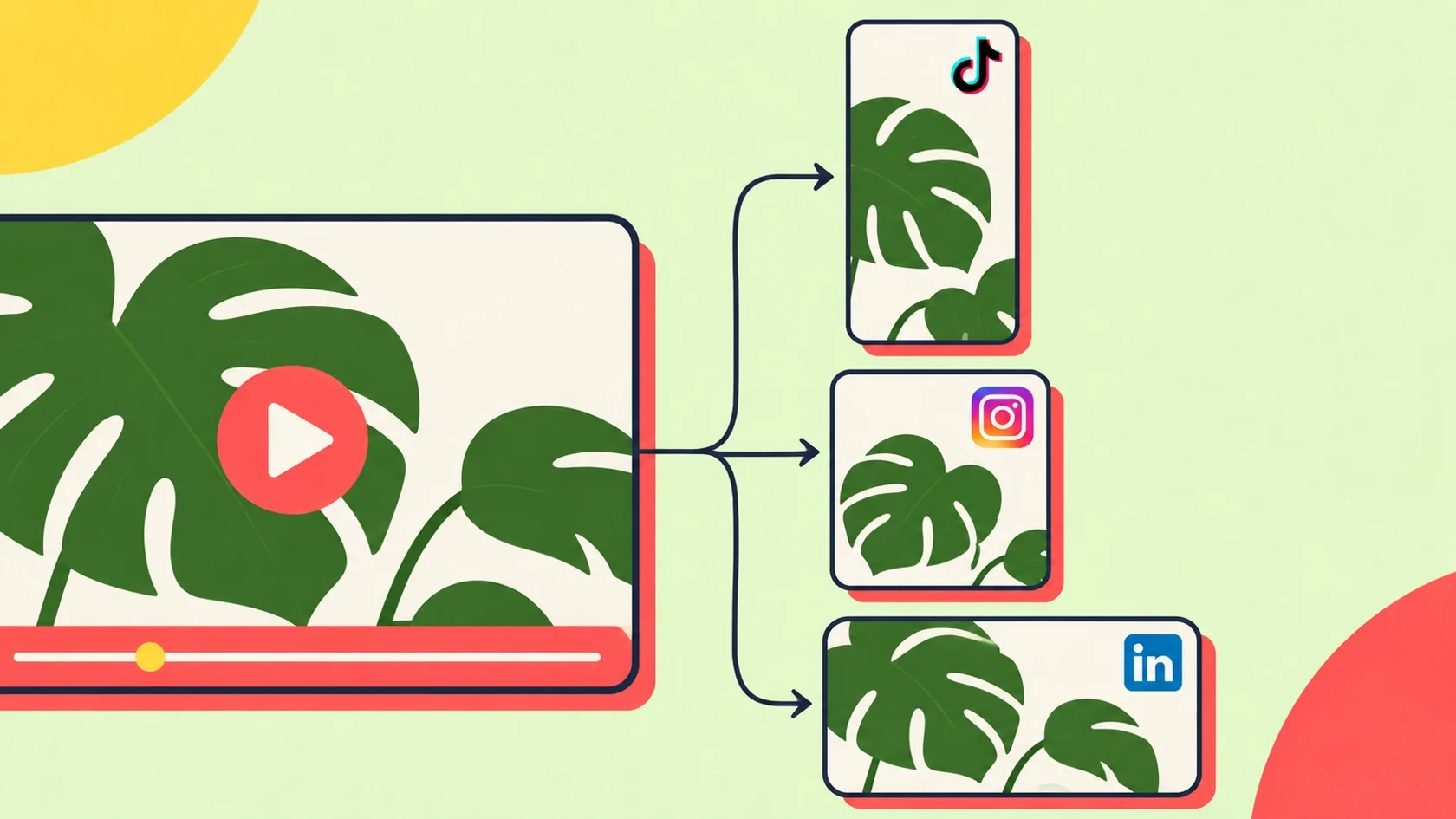
An image made for Instagram will often be used on Facebook, Threads, TikTok or Pinterest too. Because platforms use different ratios, uploading the same file everywhere means it gets cropped somewhere. Our guide to repurposing content across platforms covers which platform uses which ratio and how to adapt your content.
Platforms update their recommendations from time to time. Before a big campaign, especially for ad sizes, check the platform's own current guidance.
Frequently asked questions
What size should an Instagram post be?
1080 × 1350 pixels (4:5) is the most common size for a portrait post. If you don't want it cropped on the profile grid, use 1080 × 1440 pixels (3:4); for a square post, 1080 × 1080 pixels.
What is the Instagram Story size?
1080 × 1920 pixels (9:16). Keep text and logos 250 pixels in from the top and bottom edges; the profile name and reply bar cover those areas.
What ratio does the Instagram profile grid use?
3:4 portrait since 2025. 4:5 posts show with a little cropped from the edges on the profile, and square posts lose more at the sides.
What is the Instagram profile photo size?
320 × 320 pixels is enough. Because the photo is shown as a circle, place the logo in the middle with room around the edges.
Can I use images of different sizes in a carousel?
You can upload them, but they're all cropped to the first slide's ratio. For the best result, prepare every slide at the same size.
How do I get my image to Instagram's size?
Drop it into Fourdeck's free Image Resizer, pick the sizes, drag each one into position and download. The image is processed on your computer and never uploaded.
Sources
- Instagram swaps square profile grids for rectangles, PetaPixel (accessed November 20, 2026)
- Instagram changes standard photo aspect ratio, 9to5Mac (accessed November 20, 2026)