Connect your Instagram business account to schedule posts, Reels and Stories from Fourdeck and reply to comments and messages in the Inbox. Posts go out at the time you set through Instagram's official API.
How to connect
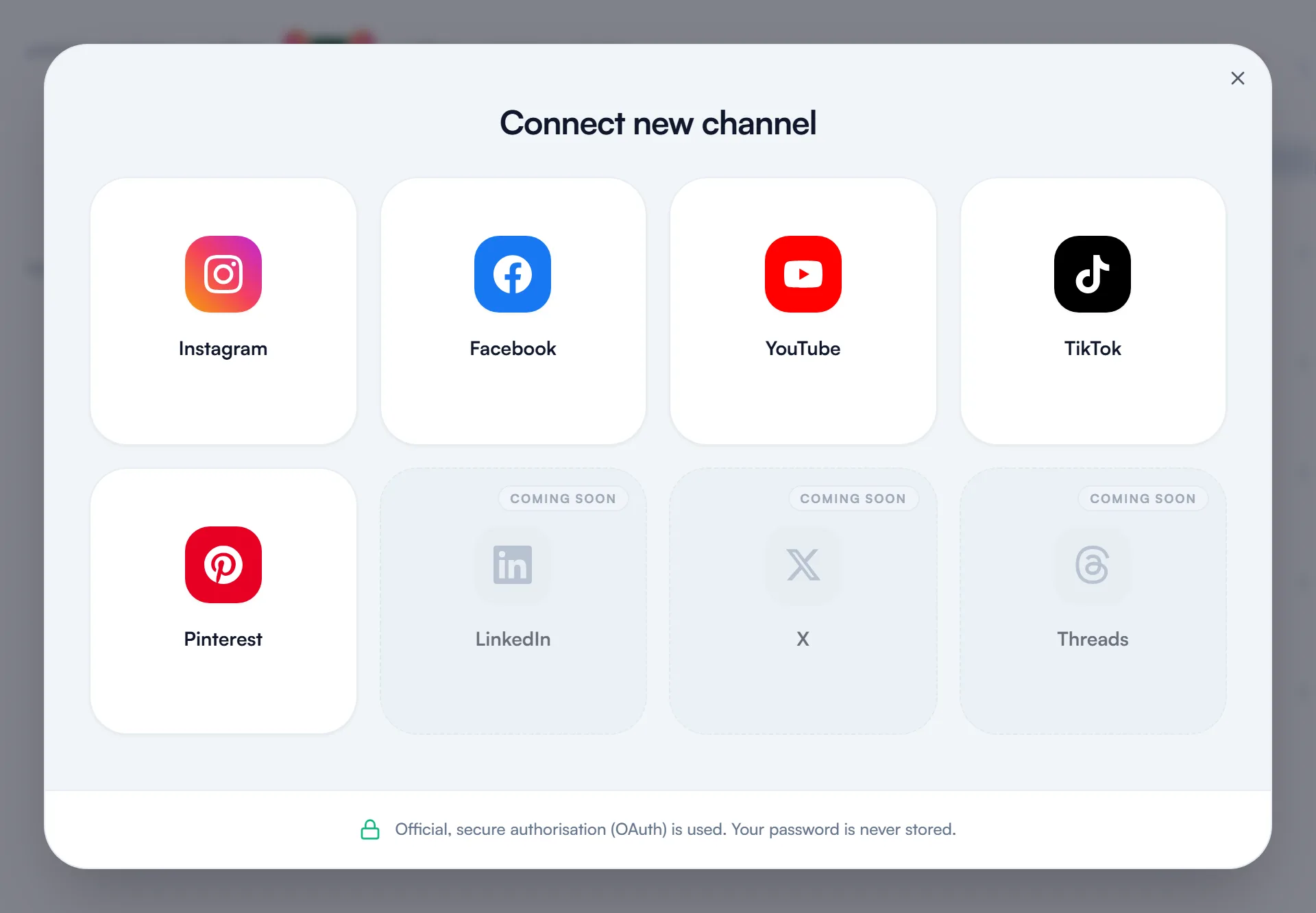
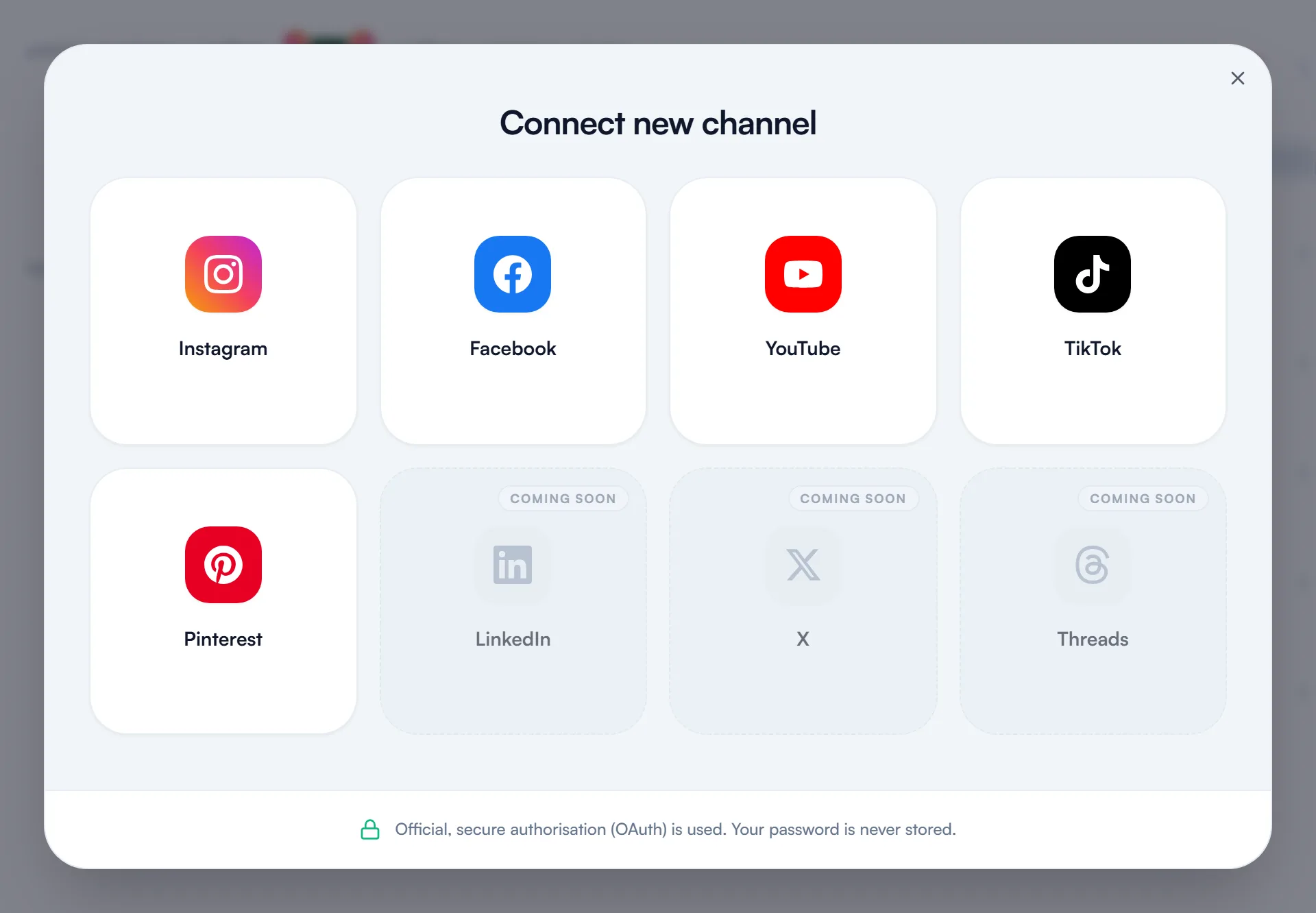
Open Connect new channel
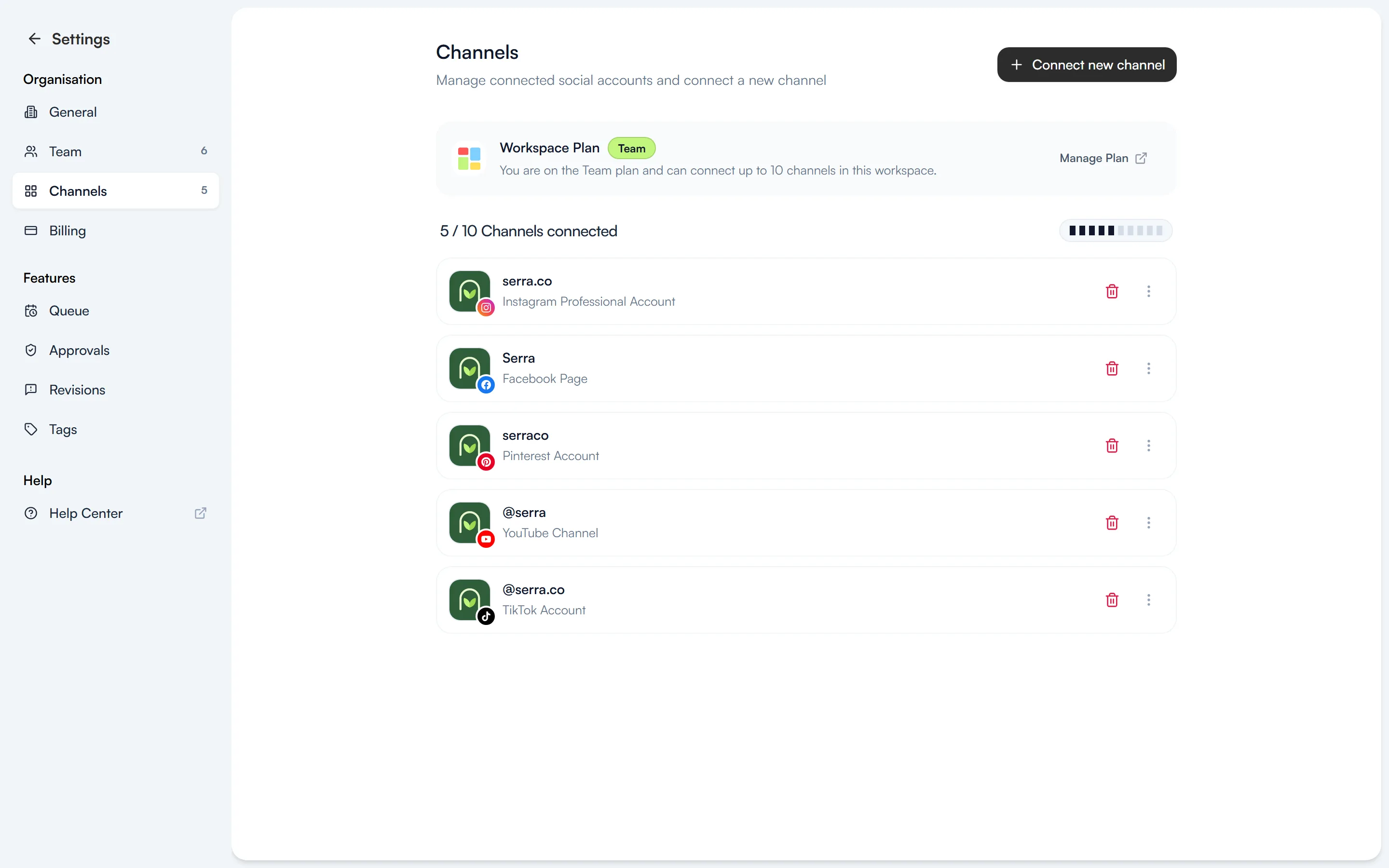
Go to Settings → Channels and select “Connect new channel”. The same window also opens from the Connect new channel section in the left menu.
Sign in with Instagram and allow access
Select Instagram in the window. Sign in on Instagram's own screen and approve the permissions Fourdeck asks for. Fourdeck never sees your password. The account must be a business account for Fourdeck to publish.
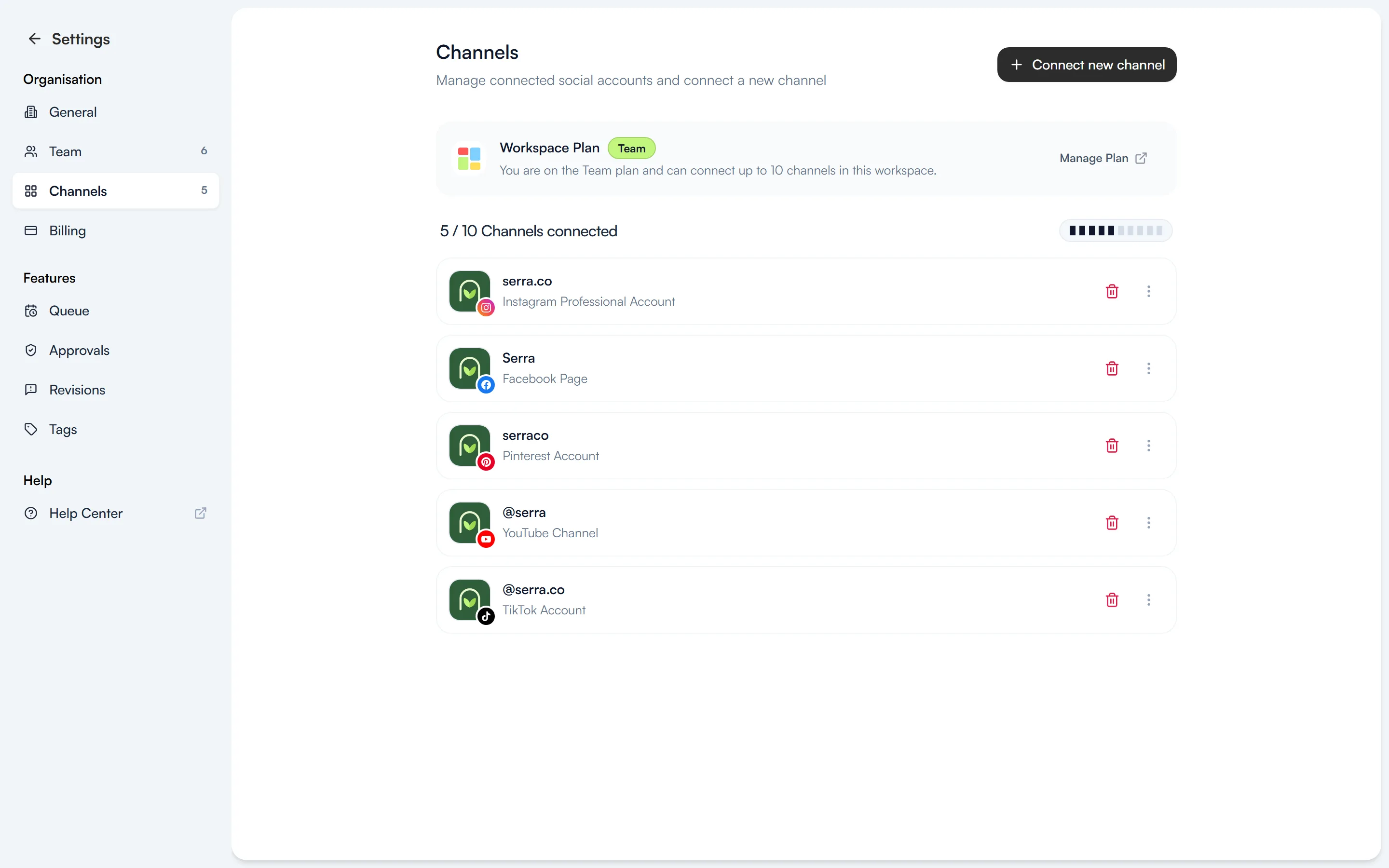
Your channel is ready
Back in Fourdeck, the channel appears in the list and in the left menu. You can now schedule posts to it or add them to the queue.
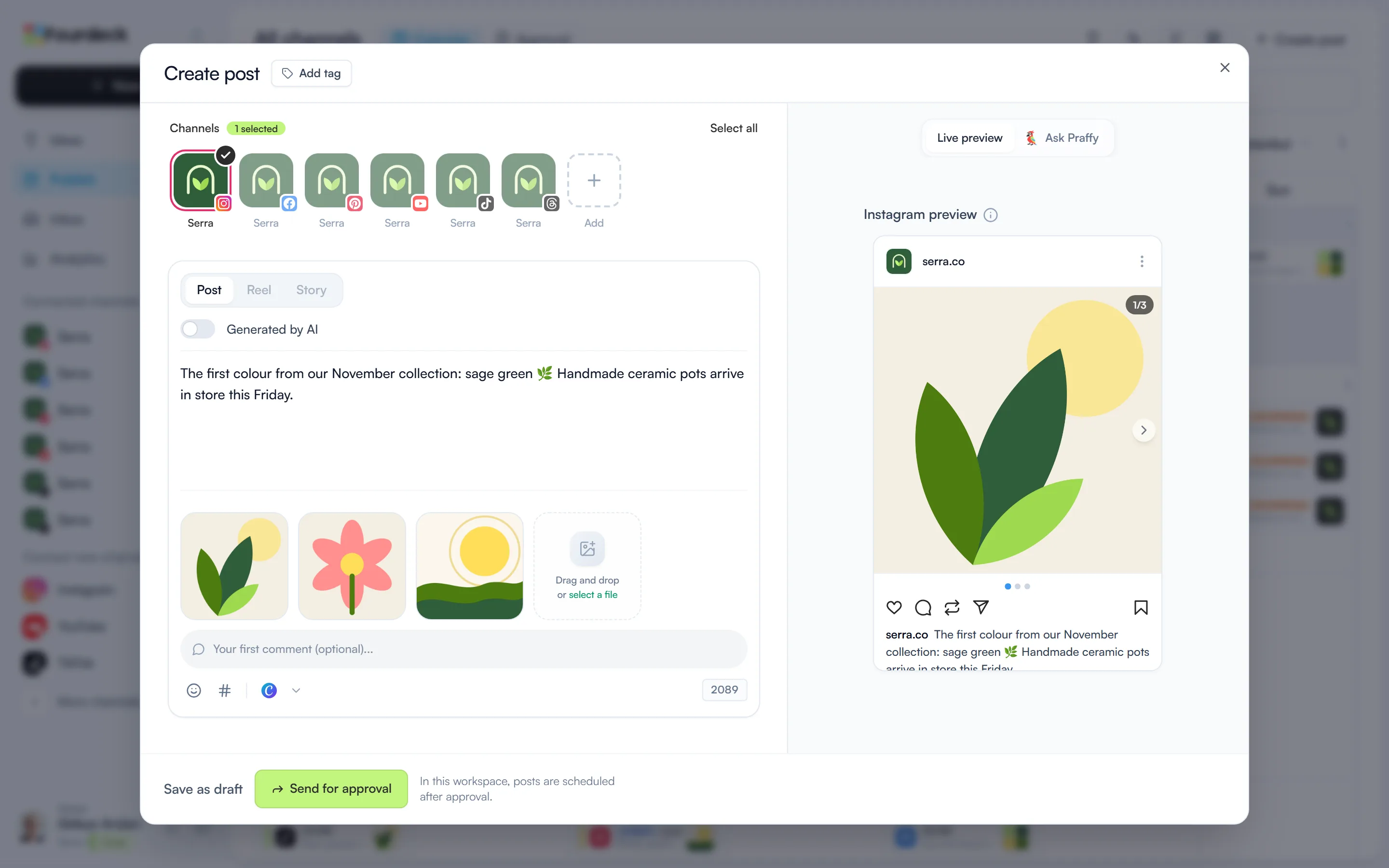
Prepare your Instagram post
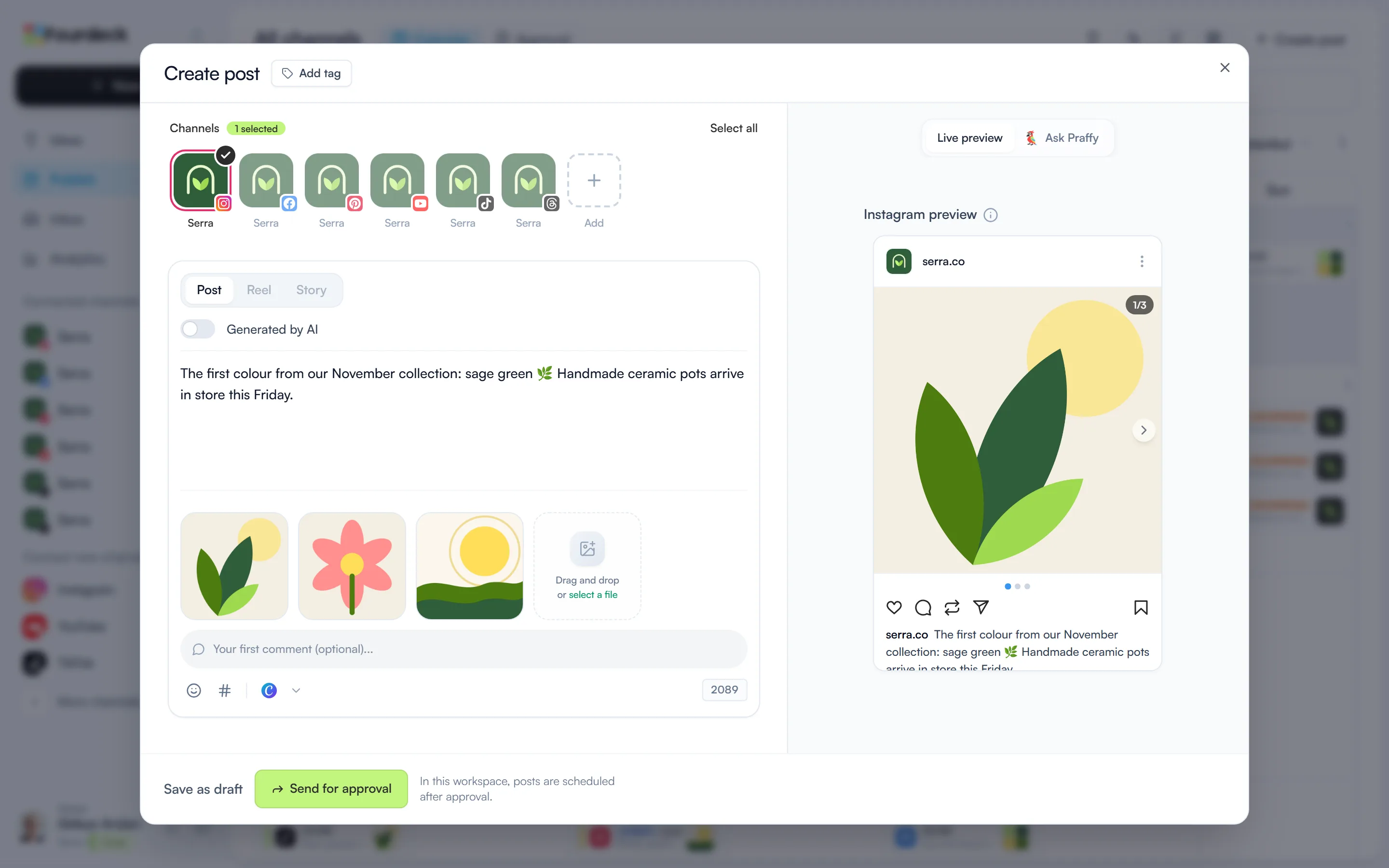
Select your Instagram channel in the post window. Choose Post, Reel or Story and add your images; the preview on the right shows how the post will look on Instagram.
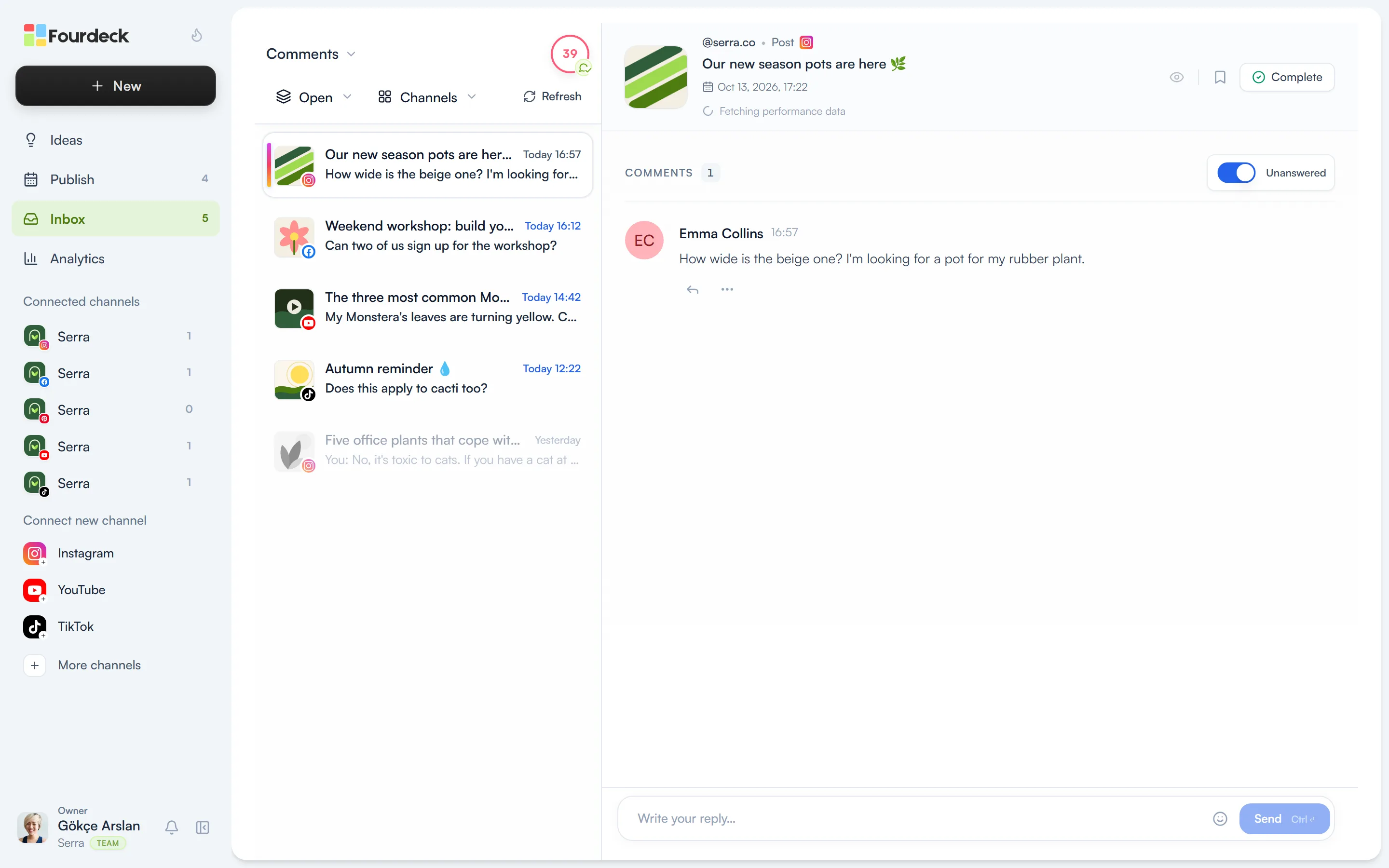
Answer comments in one place
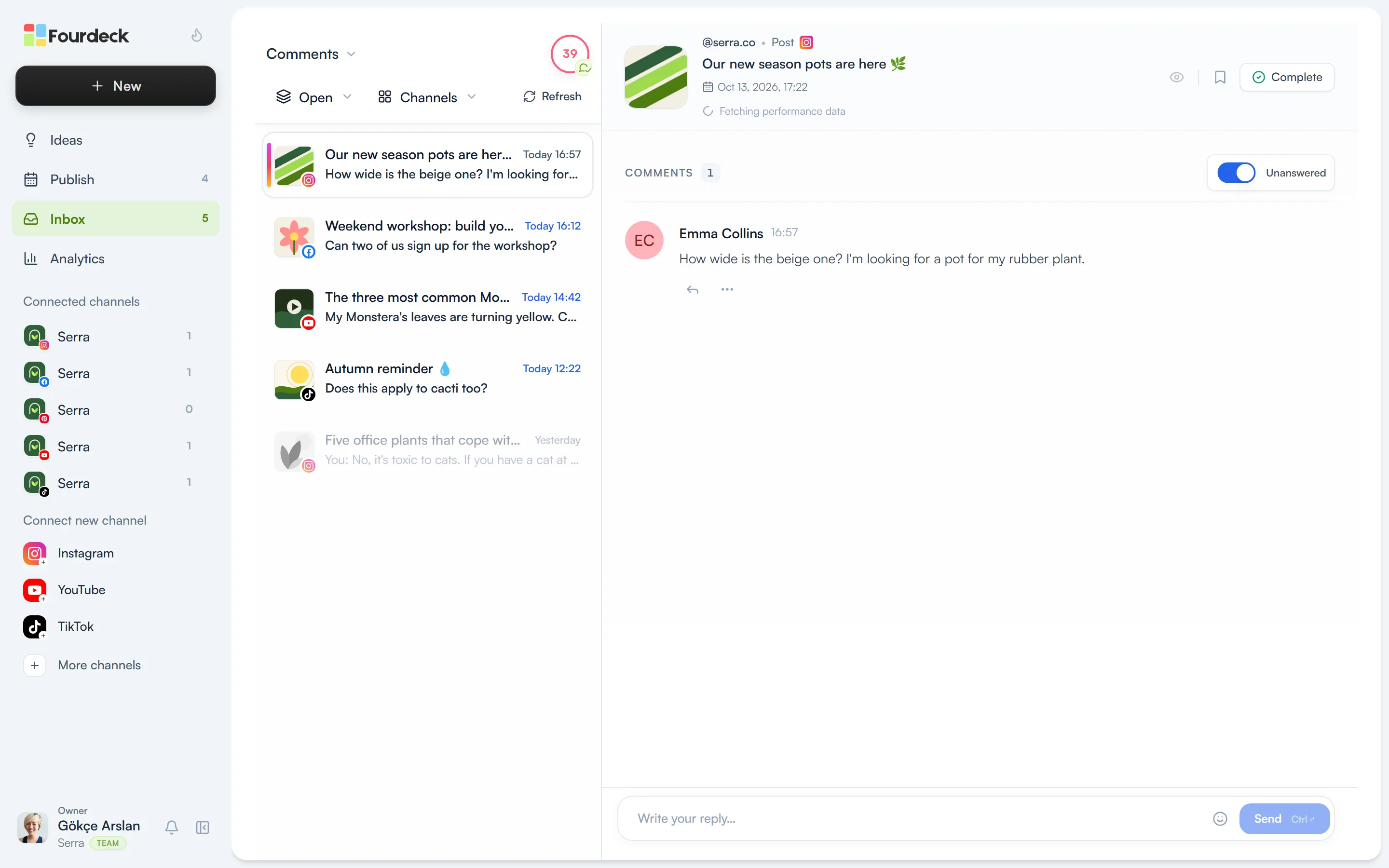
Comments on your Instagram posts arrive in the Inbox alongside your other channels. You reply from Fourdeck.
What you can do
- Schedule posts, Reels and Stories, with up to 20 media items in a carousel.
- Tag people on images at the exact spot.
- Reply to comments and DMs in the Inbox, and hide comments you don't want.
- See posts that mention you in the Inbox.
- Send an automatic reply and DM when a comment contains a keyword (Solo and Team).
- Track post and account performance in Analytics.
Frequently asked questions
Can I connect a personal Instagram account?
No. Instagram only lets apps publish on behalf of business accounts. You can switch your account to a business account in Instagram's settings in a few steps.
Does Fourdeck see my password?
No. You grant access on the platform's own sign-in screen. Fourdeck only receives an access token and stores it encrypted.
How many channels can I connect?
The limit is per workspace: 2 channels on Free, 3 on Lite, 8 on Solo and 10 on Team.